Mun is a wellness brand that guides women to reconnect with and nurture their feminine energy. I build a strong and cohesive online presence for businesses by designing and managing modern Squarespace websites, while also creating and scheduling consistent Instagram content that aligns with the brand, helping them stay visible, look professional, and attract the right audience.
I designed a simple and clean Squarespace website for Mun with features that allow members to easily book classes and stay updated on upcoming events.
Challenges
This was my first project using Squarespace, but I found the platform intuitive and easy to work with. My understanding of website structure and design helped me build and customize the site to fit the brand’s needs.
Ideation
I refer to Mun’s brand identity as guideline.
Design Process
The design is simple. I picked from an existing in Squarespace just for starter and guideline.
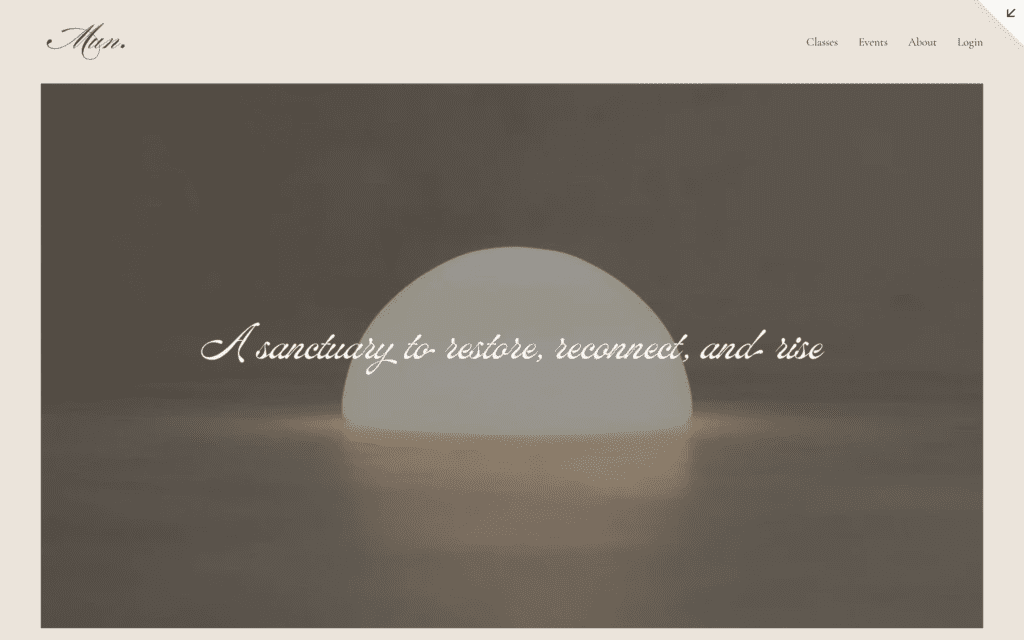
I started by the first hero, consisting of the logo, background, tagline, and menu.
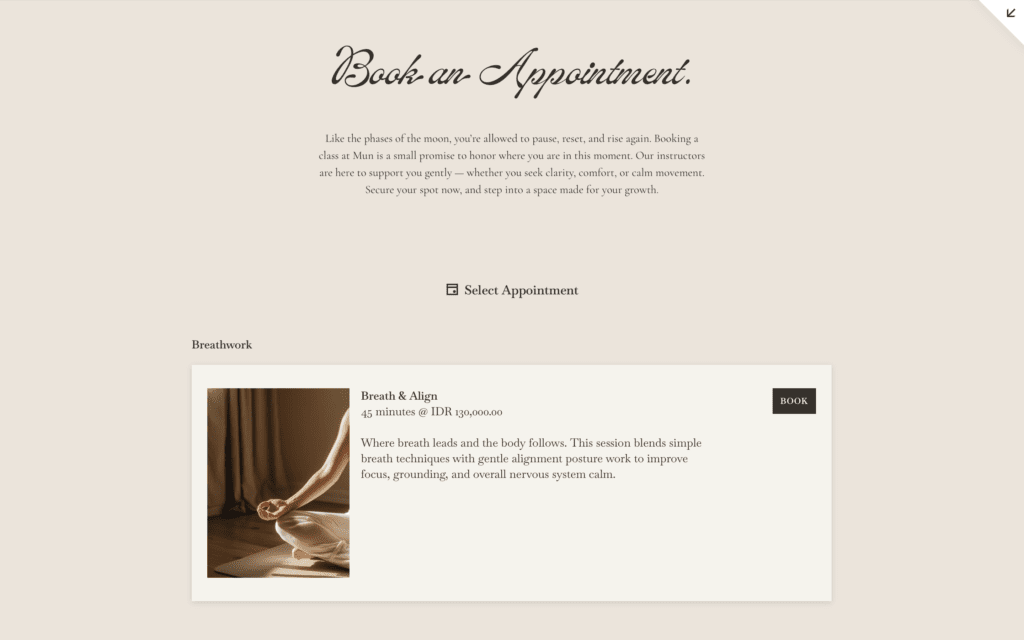
The second hero section highlights the Appointment Booking, allowing clients to easily view and book the available classes with just a few clicks.
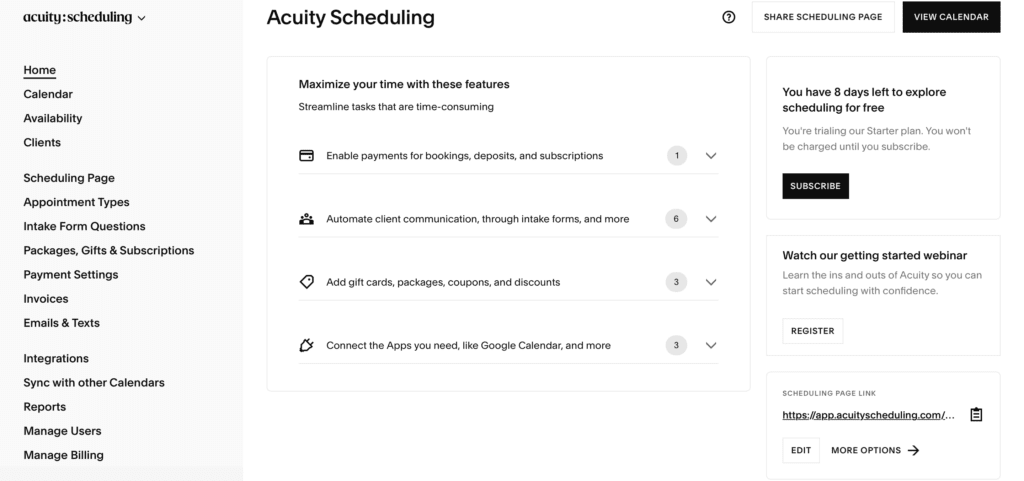
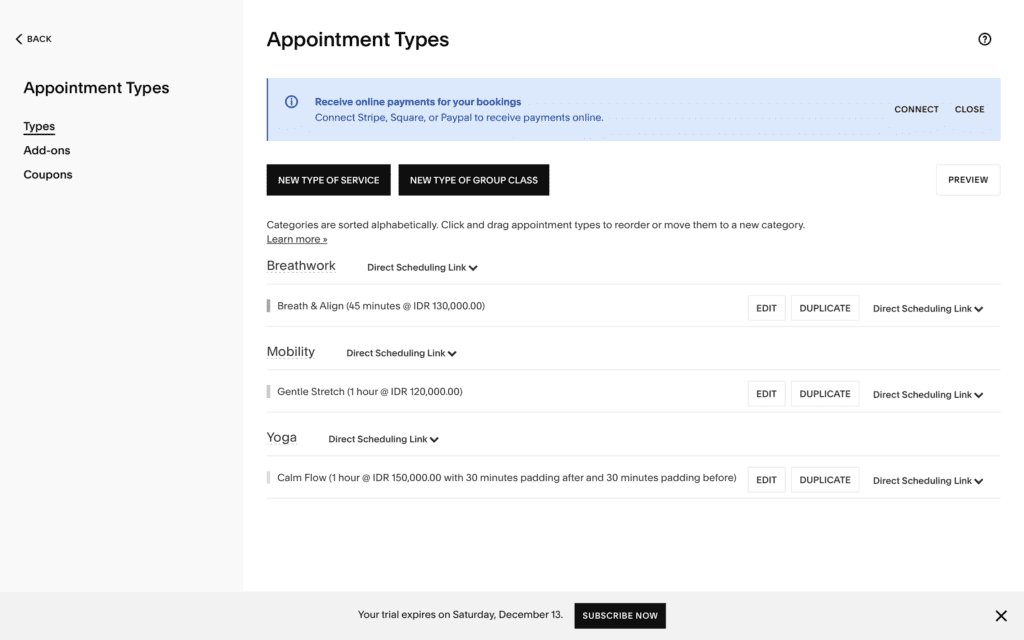
The Appointment Booking section managed by Acuity Scheduling (a feature in Squarespace), where I can manage the availability, check the booking schedule, manage classes, payment, etc.
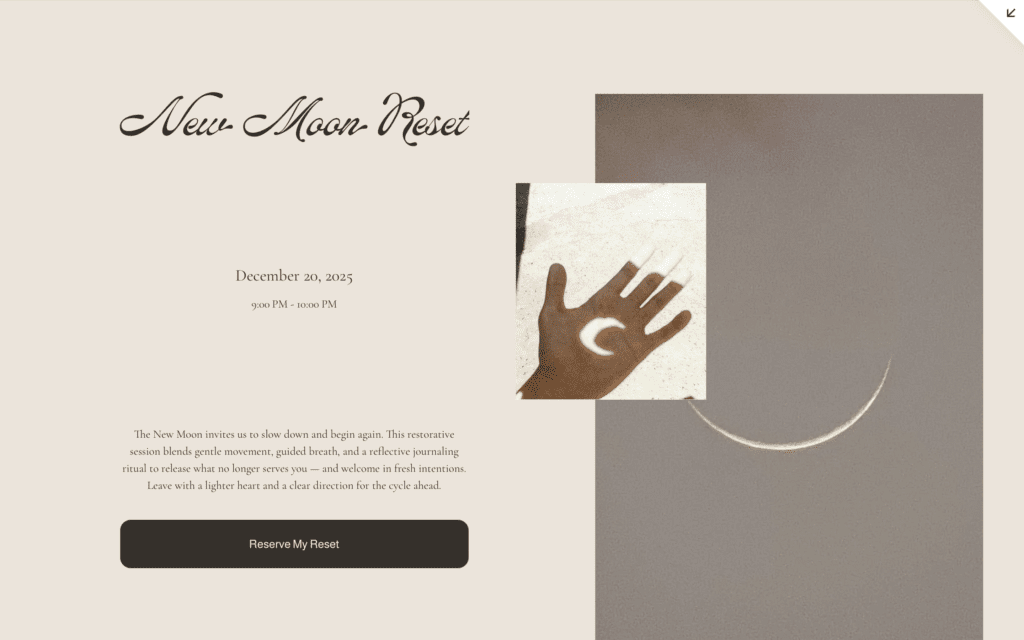
The third hero section highlights the Upcoming Event, allowing clients to easily view and book the upcoming event.
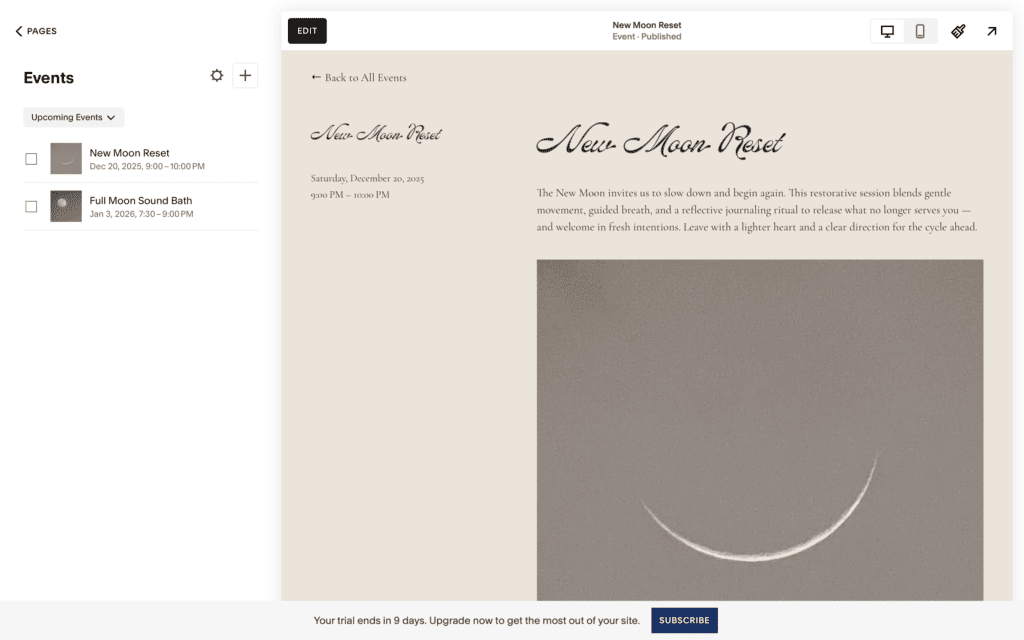
The Event section managed within event page provided by Squarespace.
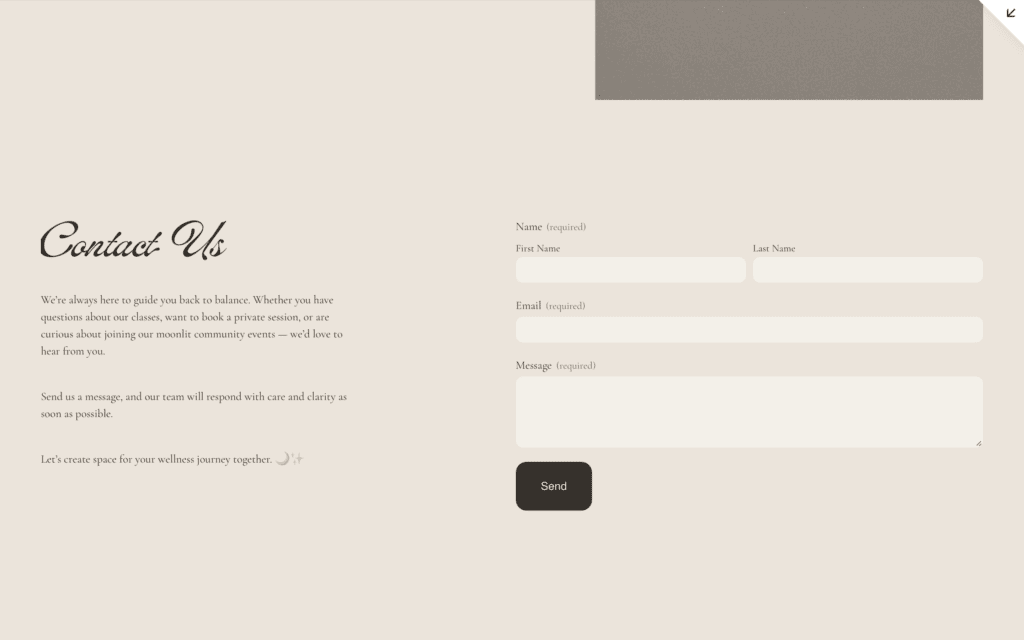
I also included a Contact Us section where clients can directly reach out to Mun. This not only improves communication but also helps gather useful client information to support future marketing and community growth.
Social Media Management
Content Creation
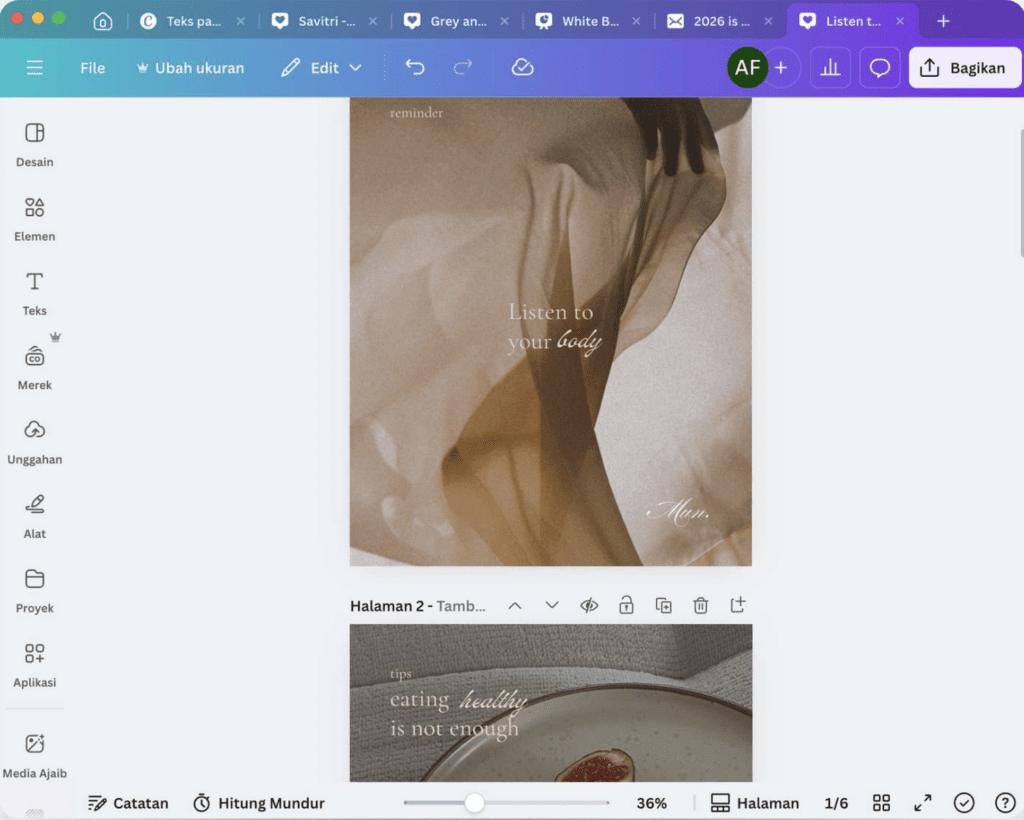
I also designed Instagram content that aligns with Mun’s brand identity
content editing with Canva
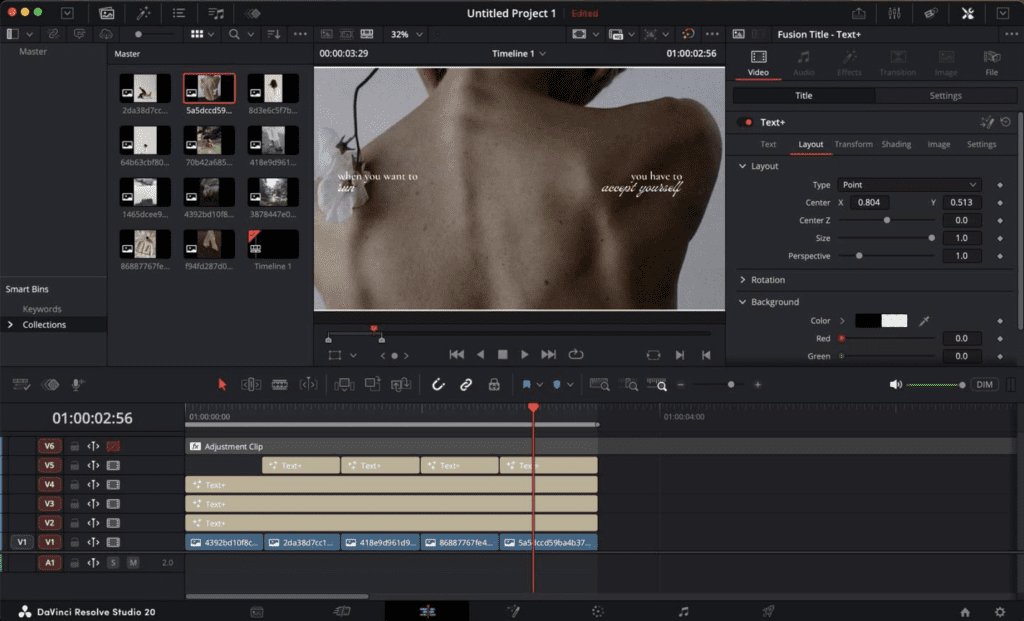
content editing with DaVinci Resolve
Social Media Scheduling and Management
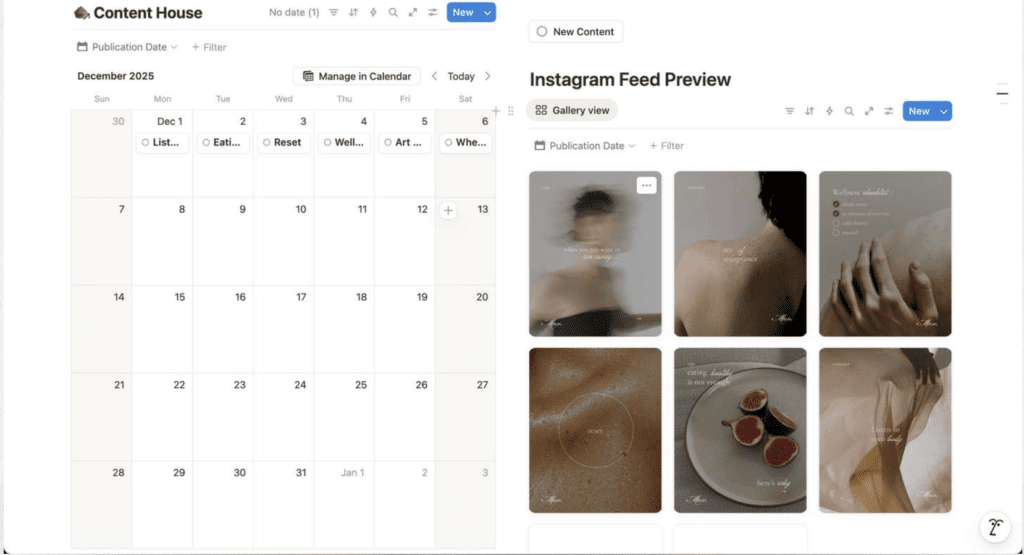
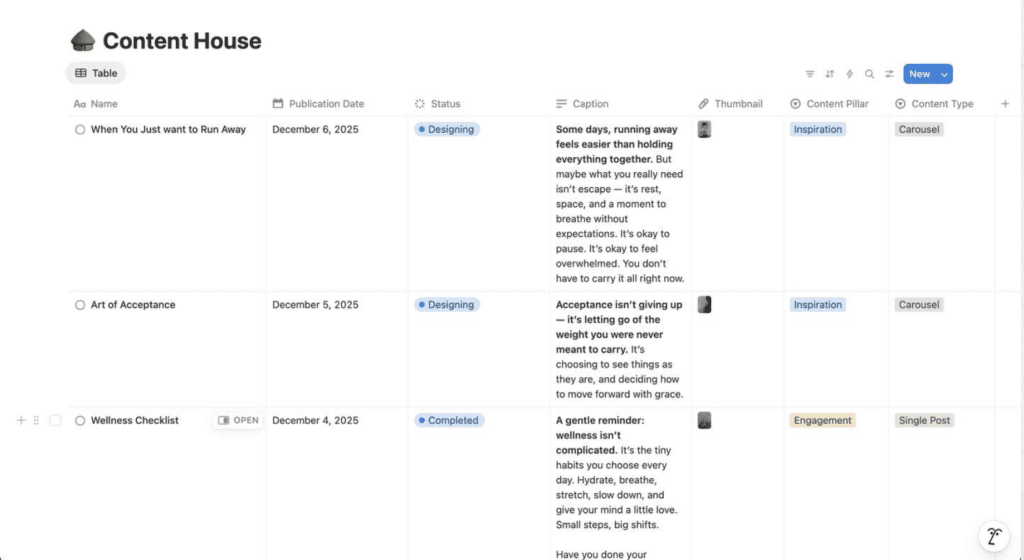
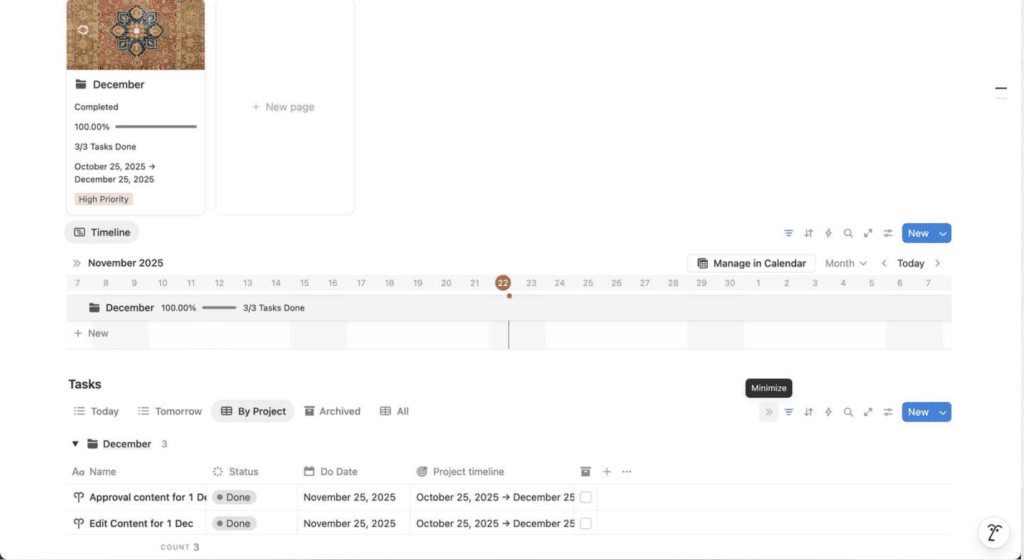
I use Notion to manage and schedule social media content, allowing me to organize posts, preview the feed layout, and ensure that every piece maintains visual consistency
Notion for scheduling and management
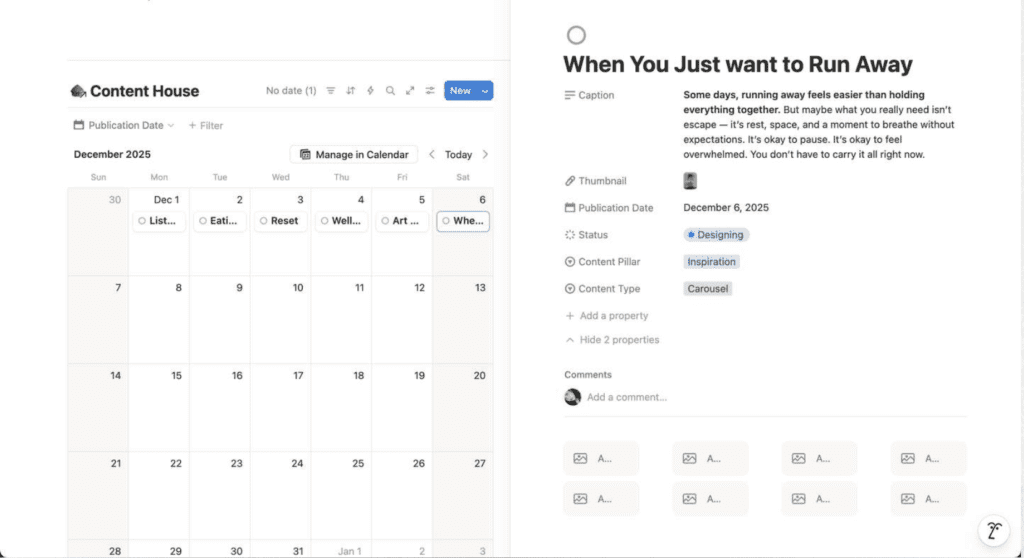
When we click the picture on the Instagram feed preview, we can find the information of the post, consisting:
1. Title 2. Caption 3. Thumbnail 4. Publication Date 5. Status 6. Content Pillar 7. Content Type
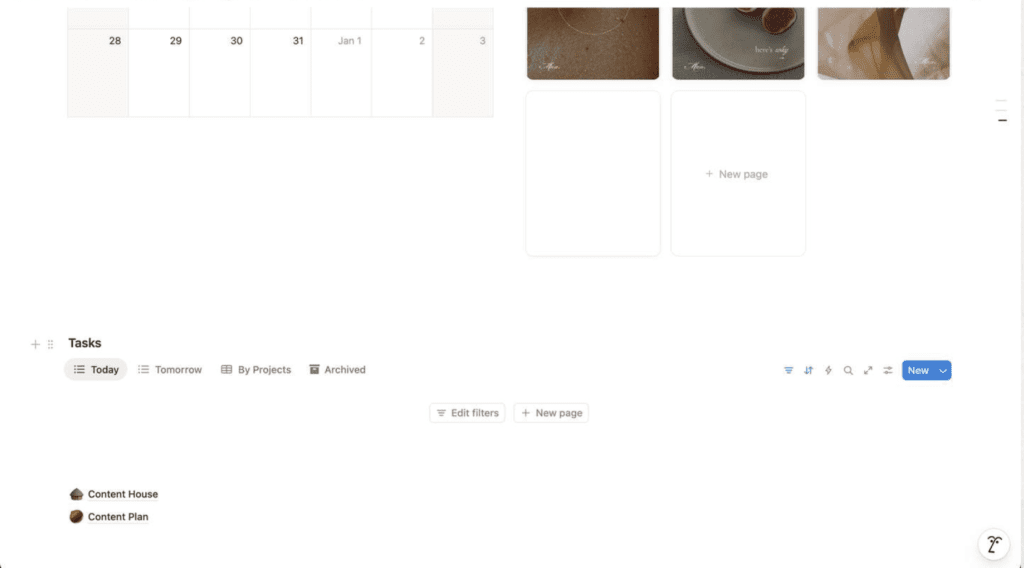
The dashboard designed clean and only consist of important information. On the “Task”, we can find the daily task that we need to complete that day.
There are also link to access important file: 1. content house : where all the content stored, from the ideation to posted. 2. content plan : where all the deadline lies. we can see what we have to do and when the deadline.

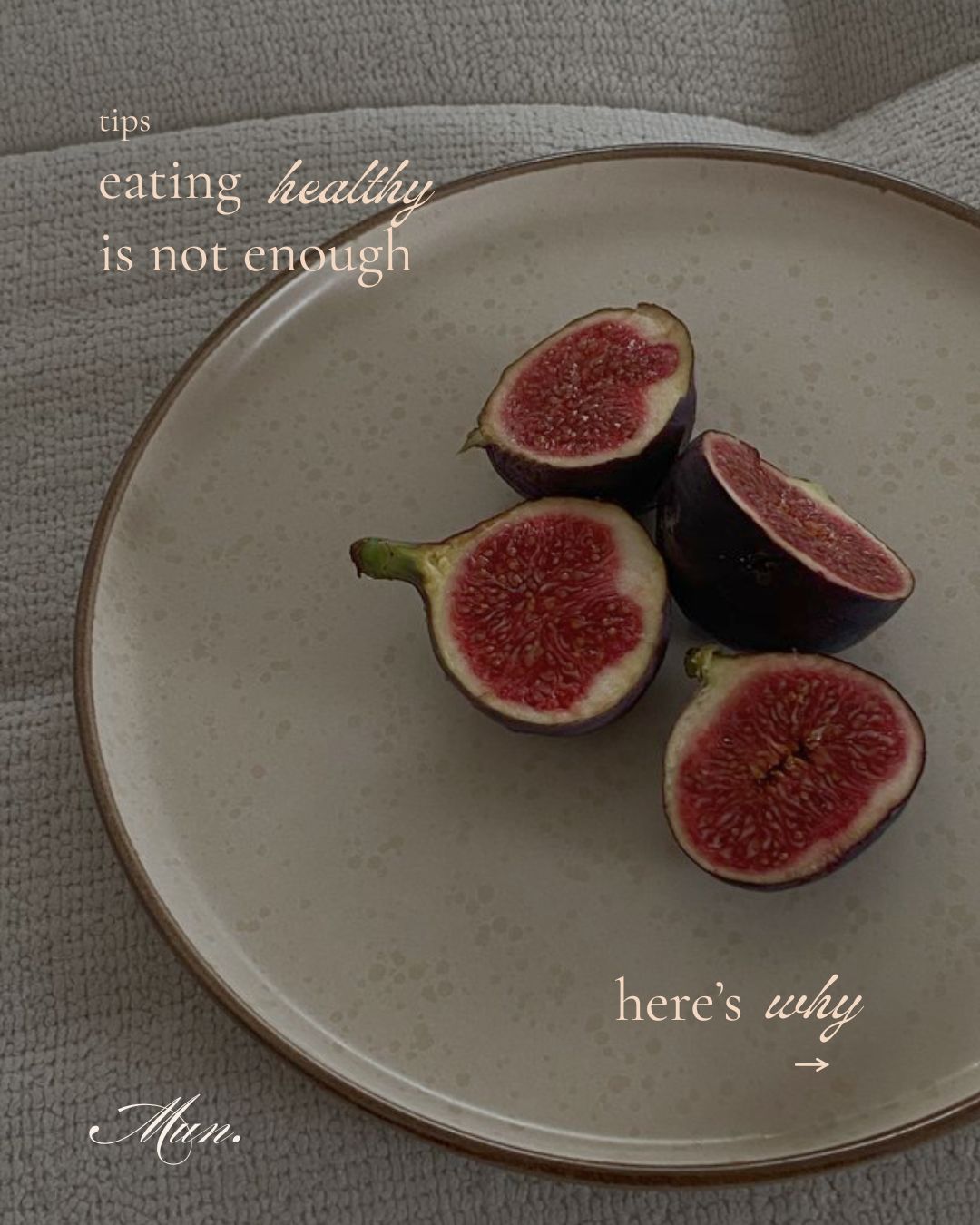
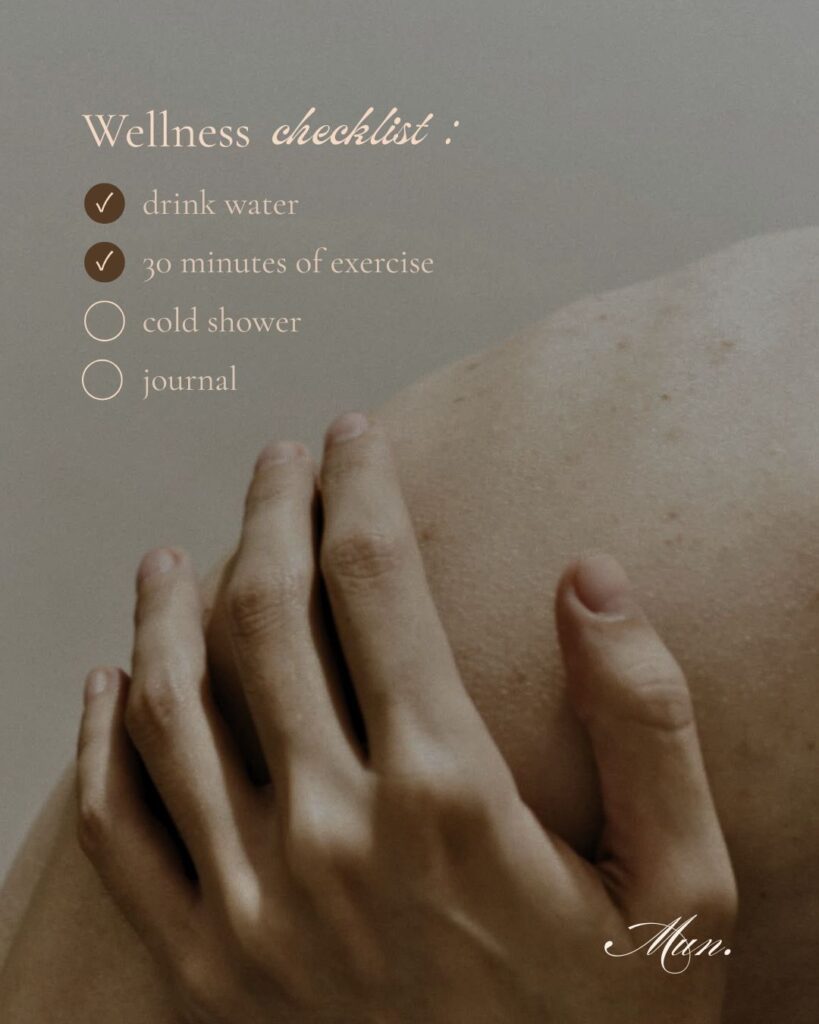
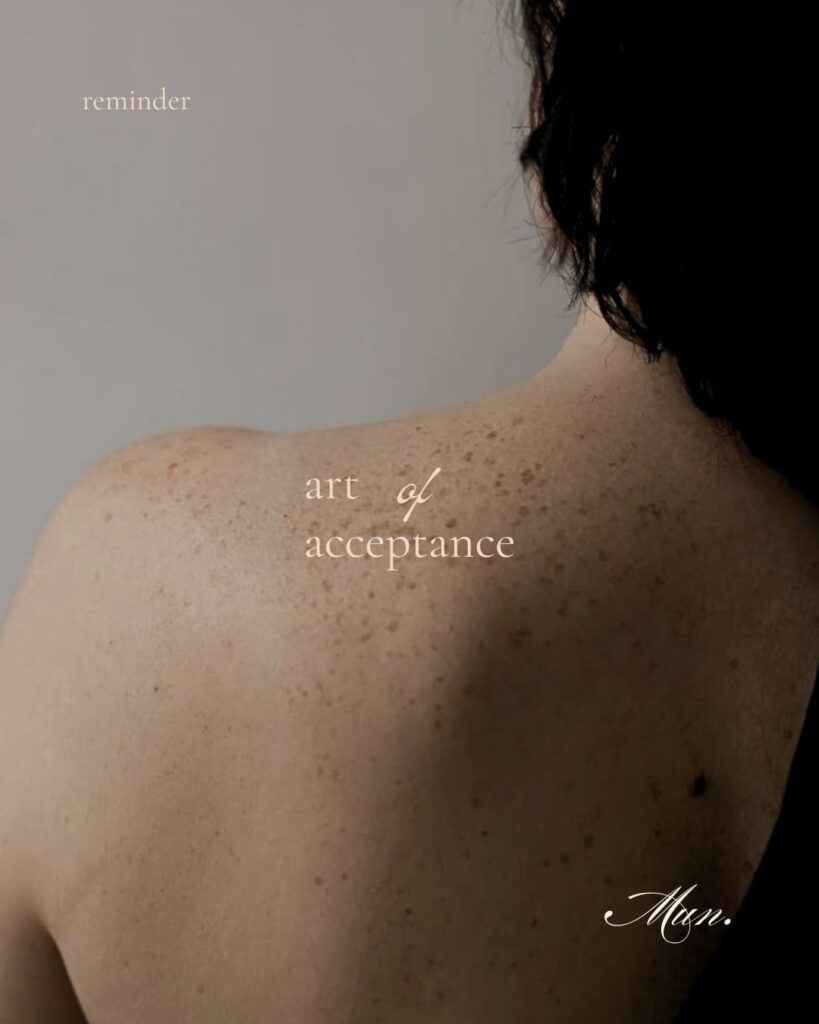

Social Media Scheduling and Management
I use Notion to manage and schedule social media content, allowing me to organize posts, preview the feed layout, and ensure that every piece maintains visual consistency